Preview
Let's check what we just did.
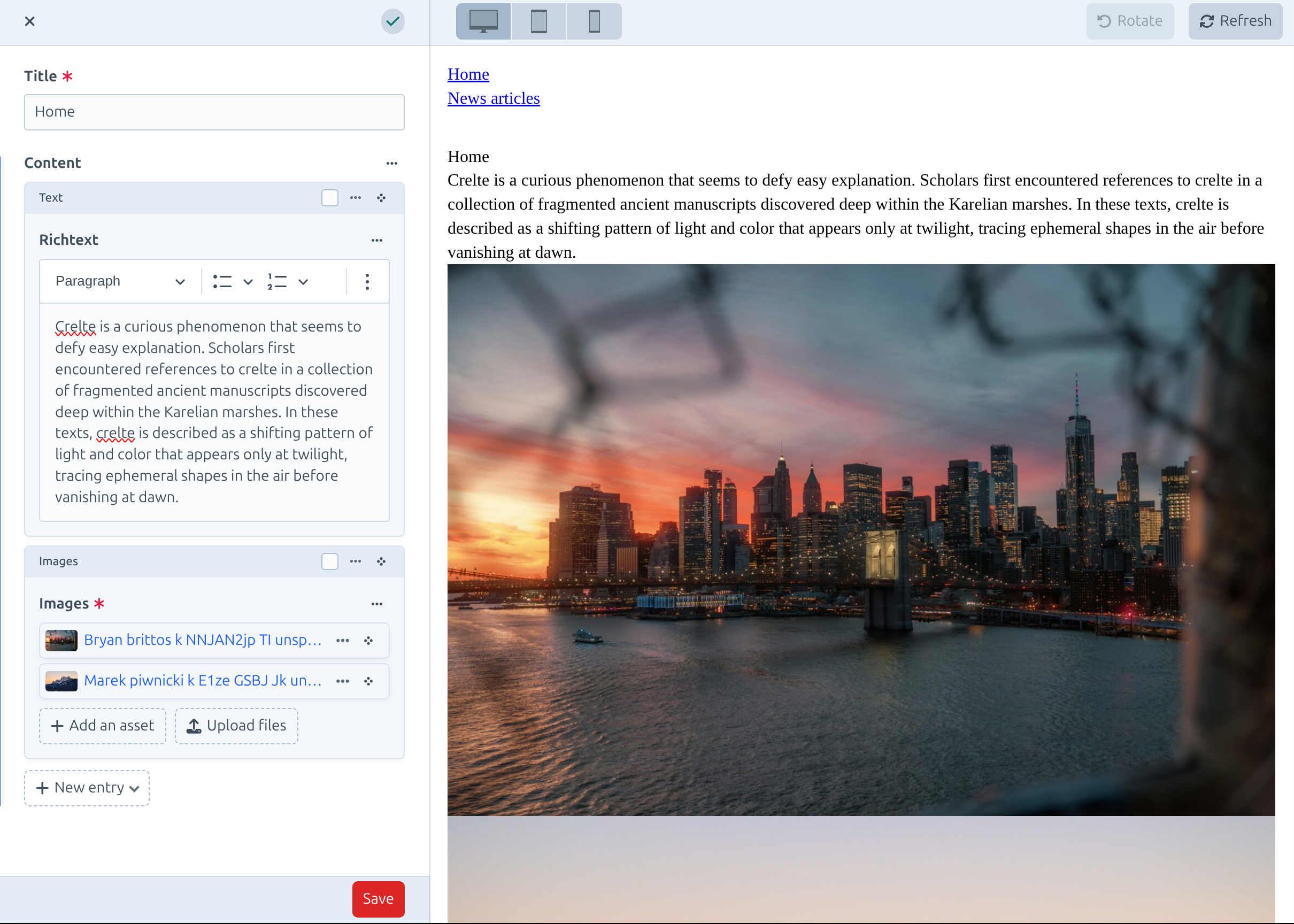
In Craft's sidebar navigation go to Entries → Home and click on Preview in the top right corner.
Now you can add a text block and an images block and you should be able to see the changes live in the preview.